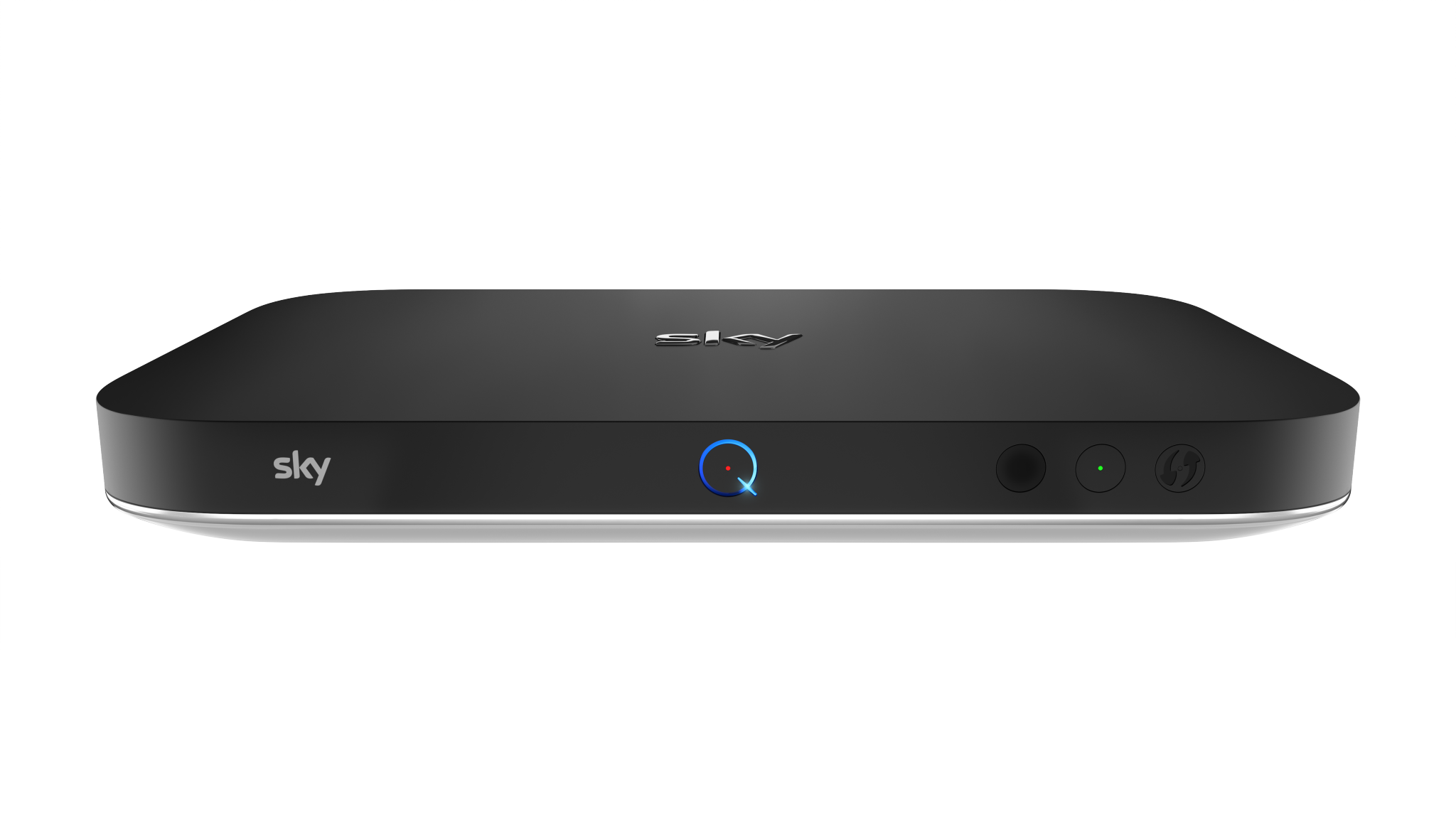
One of the most common WiFi issues is often caused by Sky Q.

  The main box Wirelessly streams to Mini boxes and uses the same channels as WiFi which causes WiFi interference, reducing WiFi performance.

If possible the best option is to connect the Main box and Mini boxes with Ethernet cables and turn off WiFi for all Sky Q equipment. Powerline adapters are also an alternative.

Follow our Sky Engineer Menu Guide to change the Sky Q WiFi settings

Sky Engineer Menu Guide
WiFi is great for convenience but Wired is best for Speed and reliability

A wired test is the best way to test your internet connection. Using a laptop with an i5 processor or higher and a gigabit network port is recommended.

When testing over WiFi it is also important to use a recent phone from within the last 5 years as older models of phones may show significantly lower speeds. Devices must be connected to the 5G (5ghz) WiFi band to see the fastest speeds.

Your new fibre internet connection is there to provide internet to the 10-30+ devices that are in your home and it is unlikely you will ever need speeds of 300Mb/sec or more to your phone. Think of it as a high speed pipline for all of your devices to share.

More About Speed testing
If you are experiencing an issue, try another device to see if the issue persists
Sometimes bad software updates can cause unwanted issues with devices
If your iPhone or Android phone jumps back to using Mobile data then turn off WiFi assist as this is the feature causing the issue
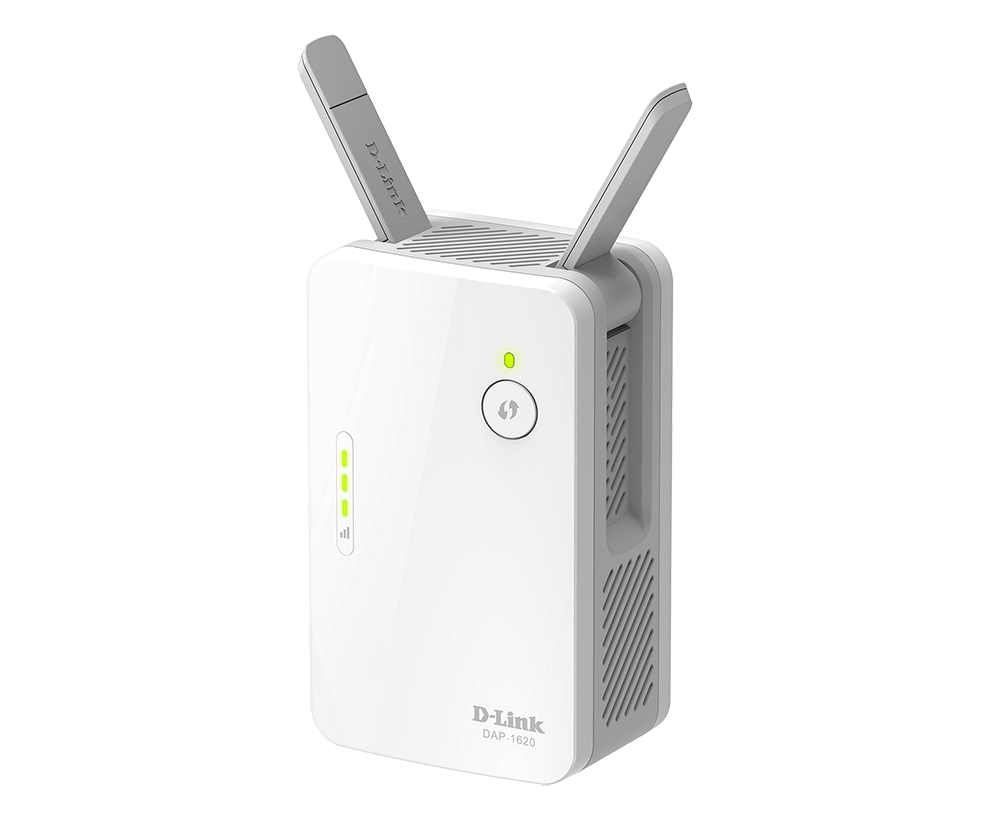
Most WiFi Extenders cause slower WiFi as they trade Speed for Range
Because of this we do not recommend any plug in repeaters
Instead of Repeaters, Mesh WiFi is a better solution
We now supply mesh capable routers as standard (additional units required)