How to Fix SkyQ WiFi issues
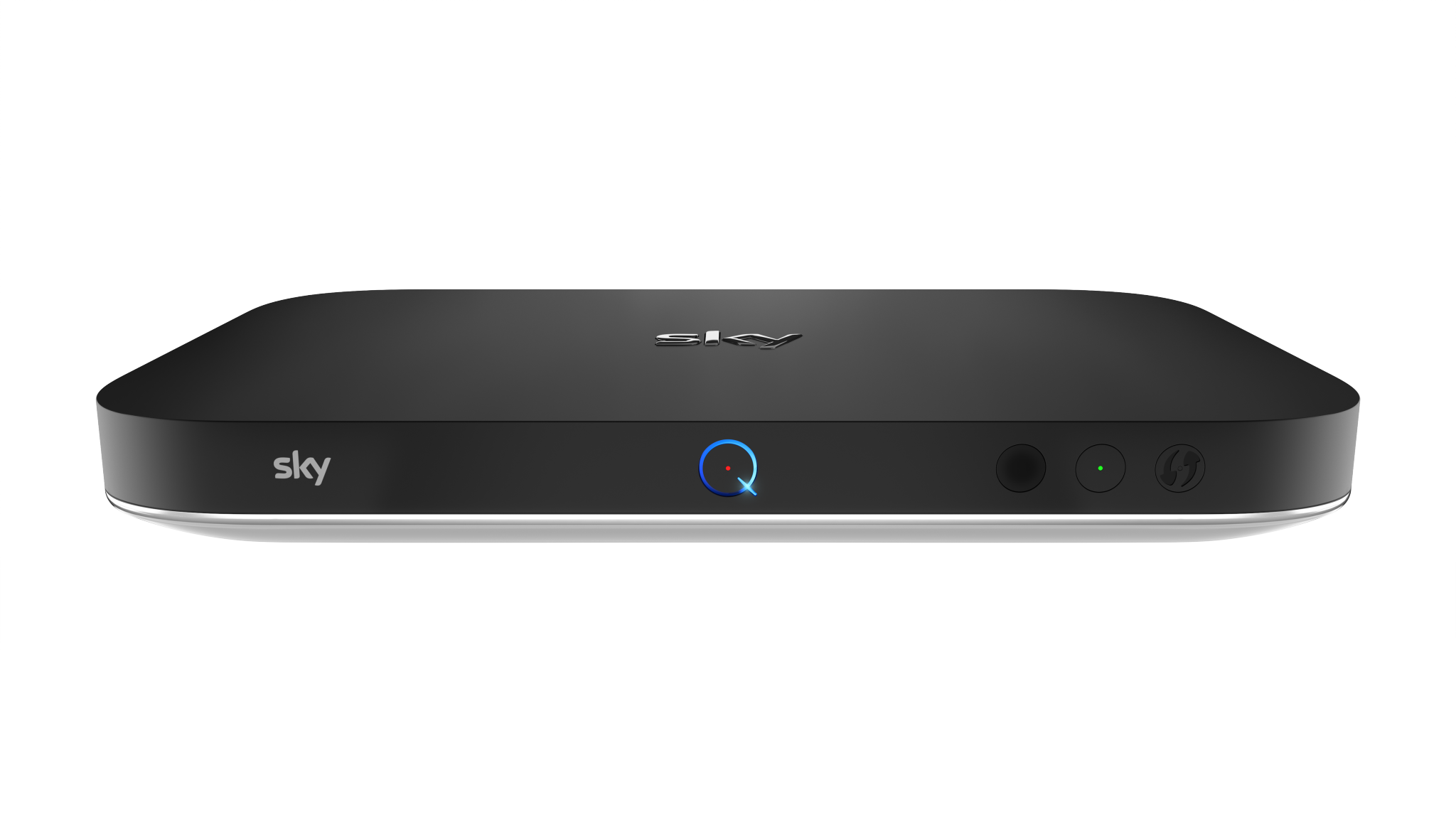
SkyQ WiFi settings can be changed using the Engineer Menu:
Scroll down to Settings but don’t press anything. Instead, type 001, then press Select.
This brings up the hidden engineer menu, Go to Network, then you can change the 5Ghz WiFi channel and width
Reducing the Width to 40Mhz makes the biggest difference, changing the channel between 36/40/44 may also help
The Goal is to reduce the interference the SkyQ is causing to your router
After system updates SkyQ can often go back to the defaults so you may need to repeat this in future if that happens
TIP: Connect SkyQ boxes and Mini Boxes via Ethernet if you can