For your PPPoE login details you will need to contact support@ultranetworks.co.uk
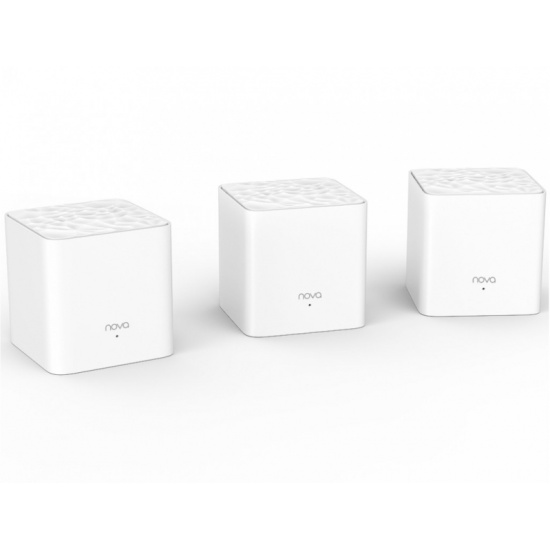
The Mesh Units are Dual Band meaning they have 2.4Ghz and 5Ghz WiFi like all modern routers. You can see in the App which band your device is connected to.
The 2.4Ghz Band offers best range but lower speeds. The 5Ghz Band offers faster speeds but has a lower range.
TIP: In the App you can set a weekly maintenance reboot, this can be done in the early morning hours when it won't affect anyones usage.